
1) Define the required capabilities based on strategic priorities
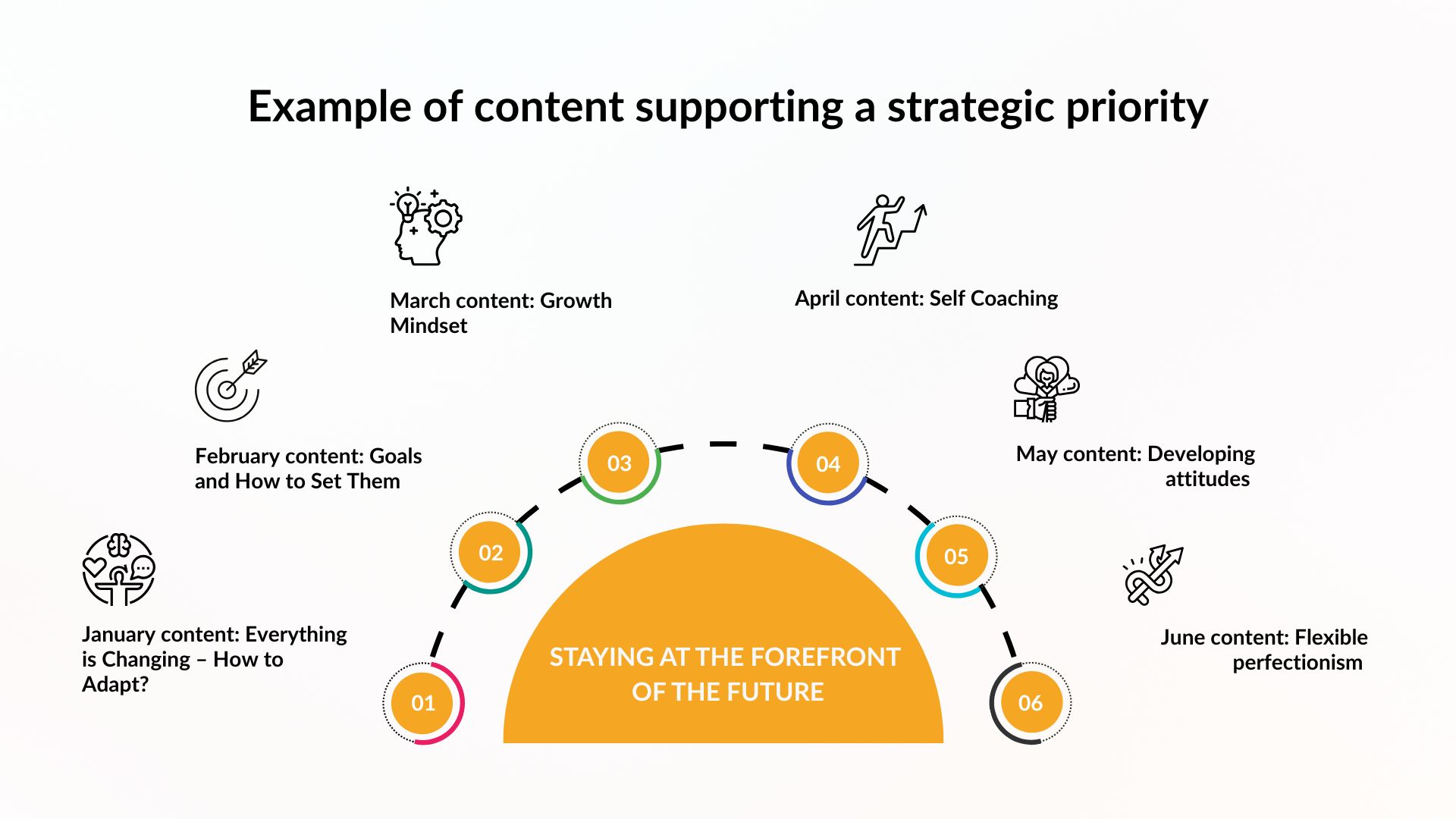
When creating a strategy, organizations typically define its key priorities, also referred to as focus areas, strategic themes, or priorities. These priorities help identify the capabilities needed to achieve strategic goals. See examples of strategic priorities in LocalTapiola’s case.
Example priority: Staying at the Forefront of the Future. For this priority, four capabilities were identified:
- Innovation capability
- Change capability
- Collaboration capability
- Learning agility
See examples of strategic priorities in LocalTapiola’s case.
2) Identify capability gaps related to these priorities
Once the required capabilities have been identified, the next step is to assess which are already in place and which need further development.
Example: The organization was found to have strong innovation and change capabilities. Collaboration and learning agility were identified as areas requiring development.
3) Curate the necessary learning solutions
The curation phase begins here. At this stage, you select the most appropriate development actions to address the identified capability gaps.
Not all goals should be approached in the same way. Some skills can be developed effectively with digital learning content, while others require interactive methods such as:
- Live training sessions
- Workshops
- Coaching
- Mentoring
- Peer learning
Step 1: Review Existing Content
Start by reviewing your current learning materials and development solutions. Use those that already meet the need and assess what can be adapted.
Step 2: Create New Content
Develop content and solutions that are realistic given your internal resources. Consider who has the expertise and time to create e-learning materials, facilitate workshops, or provide coaching.
Step 3: Source External Solutions
Acquire missing content and services from external content providers, trainers, or consultants.
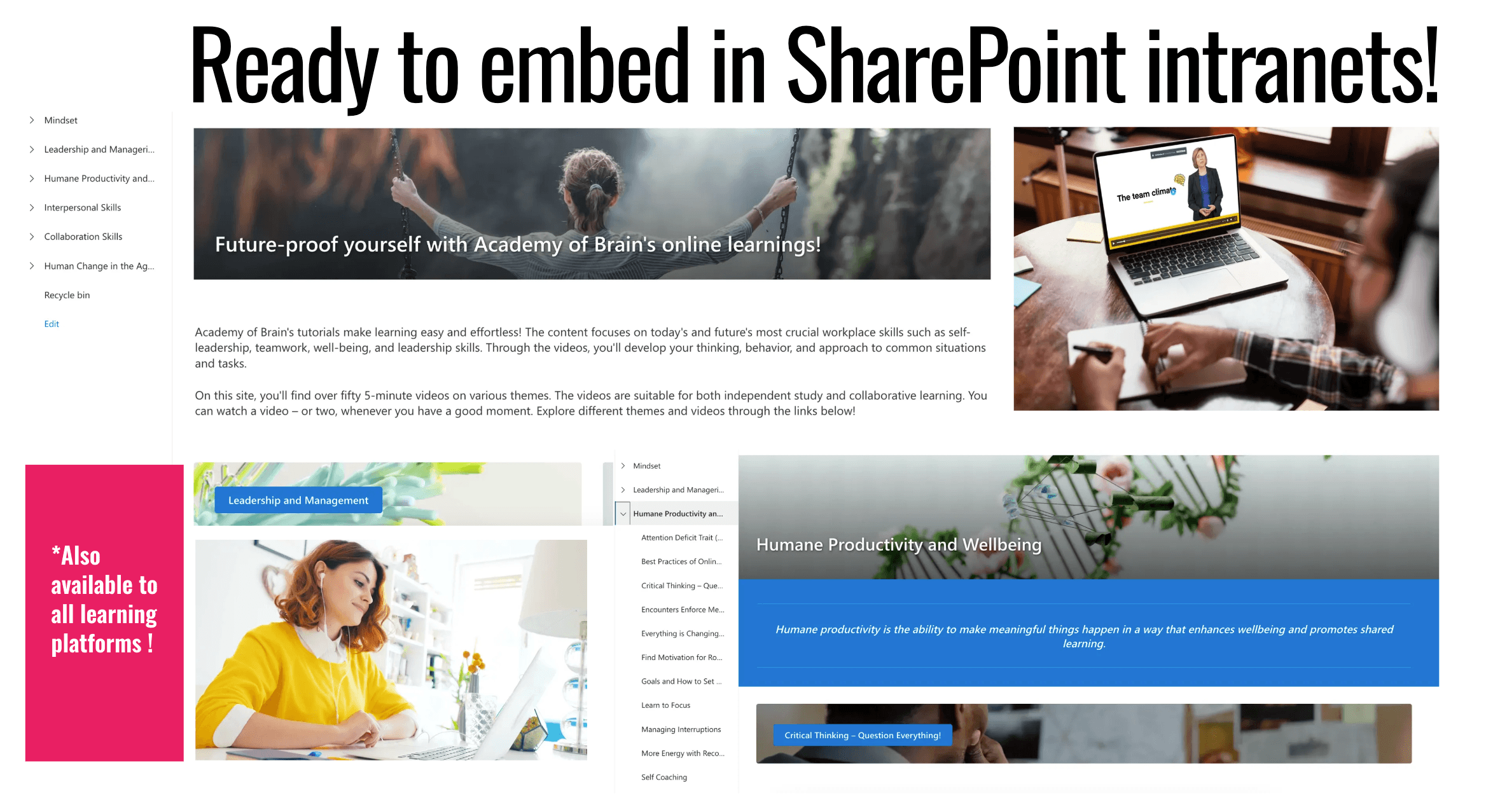
4) Build learning paths in SharePoint
Now it is time to make your strategic priorities visible in SharePoint and clearly present the capabilities required to support them.
Learning content serves as the bridge between strategy and daily practice. When adding content to SharePoint, organize it according to your strategic priorities.
Example: Under the strategic priority Staying at the Forefront of the Future, two capability areas might be displayed:
- Collaboration Builder (Collaboration)
- Modern Learner (Learning Agility)
5) Engage your employees – six ways to ensure learning results
This is often the most challenging phase, but also the most critical to success. Based on our extensive customer data, we recommend several ways to engage employees. The suitability of these methods depends on where your organization is in its learning culture journey.
- Integrate Learning into Existing Structures. Embed learning into established routines such as manager meetings, team meetings, and learning concepts. This ensures learning continues even during busy periods. A good example is LocalTapiola, where teams were actively encouraged to make learning part of their regular work.
- Link Learning to Team Goals. Do you use safety metrics, KPIs, or other performance tracking methods? Integrate learning into these existing frameworks or create a new learning metric.
- Create Learning Rituals. Enable regular shared learning moments that make learning a tangible part of everyday work. For example Fondia’s Professional Development Dialogue meetings.
- Promote learning content and success stories through multiple communication channels. There are dozens of ways to communicate, so find the right mix for your organization.
- Remove Friction. Make learning easy and quick to access. Short videos, intuitive navigation, and familiar environments lower the barrier to participation.
- Enable Reflection. Support reflection by providing structures and guidelines that help employees make reflection part of their everyday learning.
6) Track learning data and adapt
Monitor SharePoint analytics and use the data to lead learning efforts.
For example, you can track:
- Training completions
- Communication effectiveness
- Number of shared learning sessions
- Participation rates
This data helps you:
- Optimize communication channels and frequency
- Improve training descriptions to increase engagement
- Introduce new activation methods
A well-chosen partner can be an excellent sparring partner in this process.